Upload your photo
A photo taken on a phone is fine, wherever you happen to be: the background is replaced with plain light grey, so only you and the light on your face matter. You will see the finished photo, and every rule it was checked against, before you pay anything.
Drop a photo here, or tap to choose
JPG, PNG or HEIC · phone or computer
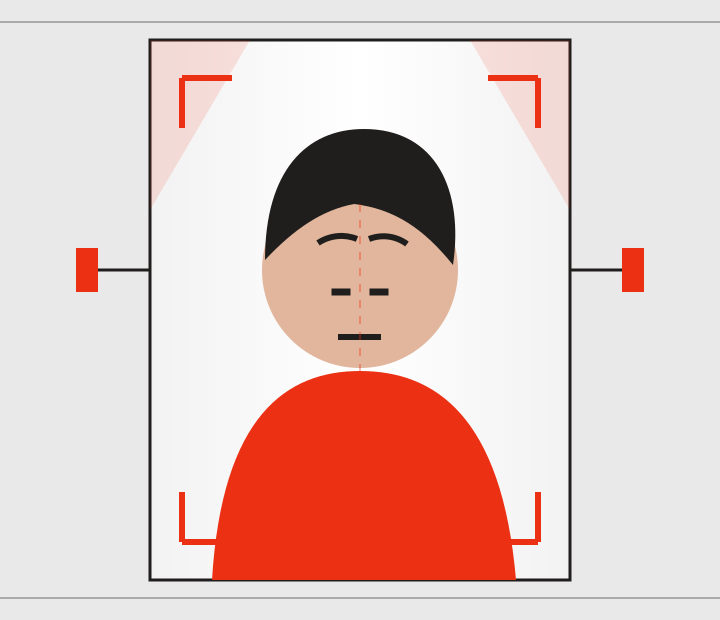
Do
- Face the camera straight on, eyes open
- Even light on your face, a window works
- Neutral expression, mouth closed
- Frame yourself from the shoulders up
We handle
- Replacing the background with plain light grey
- Cropping to exactly 35 × 45 mm
- Centring your head and scaling it to 29-34 mm
- Print resolution and the file the gov.uk form wants
Avoid
- Anyone else in the shot, one person only
- Hats, sunglasses or heavy glare on glasses
- Strong light from one side, casting a shadow
- Filters, beauty modes and retouching
Your photo is uploaded so we can process it, and sent to the services that find your face and replace the background. Every copy we hold (the original, the preview and the finished photo) is deleted when we email your photo to you, and a sweep deletes anything left unfinished once it is more than 48 hours old. We do not use your face to identify you, and we never sell or share it for anyone else’s purposes. What we do with your photo.